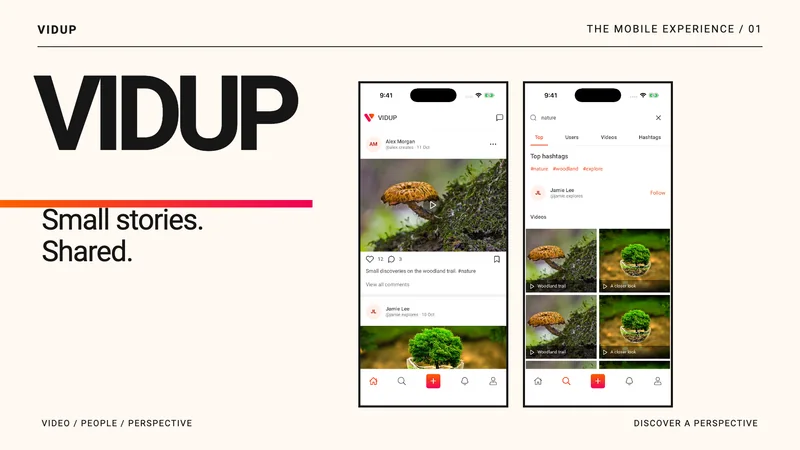
Watch, post and chat.
The screens use sample data.
A quick video tour.
A short tour of the feed, post settings and chats, with music.
Open or download the tourFind videos
Start in the feed, then find the people and topics behind it.
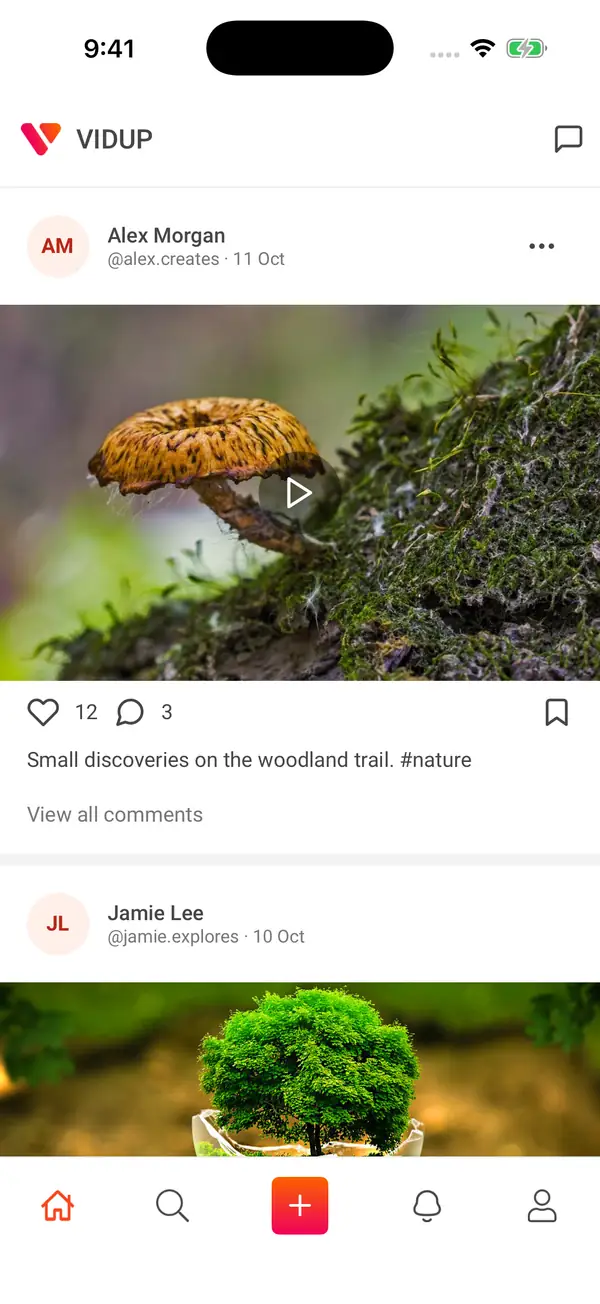 Enlarge image: Video feed
Video feed
A feed brings creators, captions and conversation into one place.
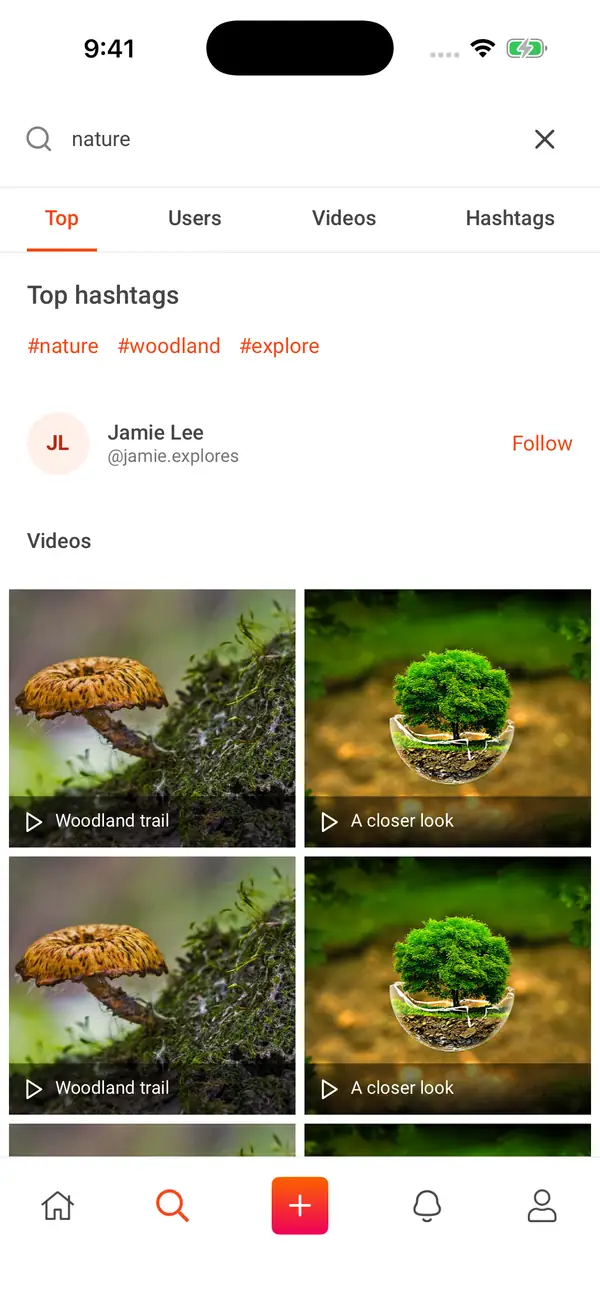 Enlarge image: Search
Search
Search across users, videos and hashtags.
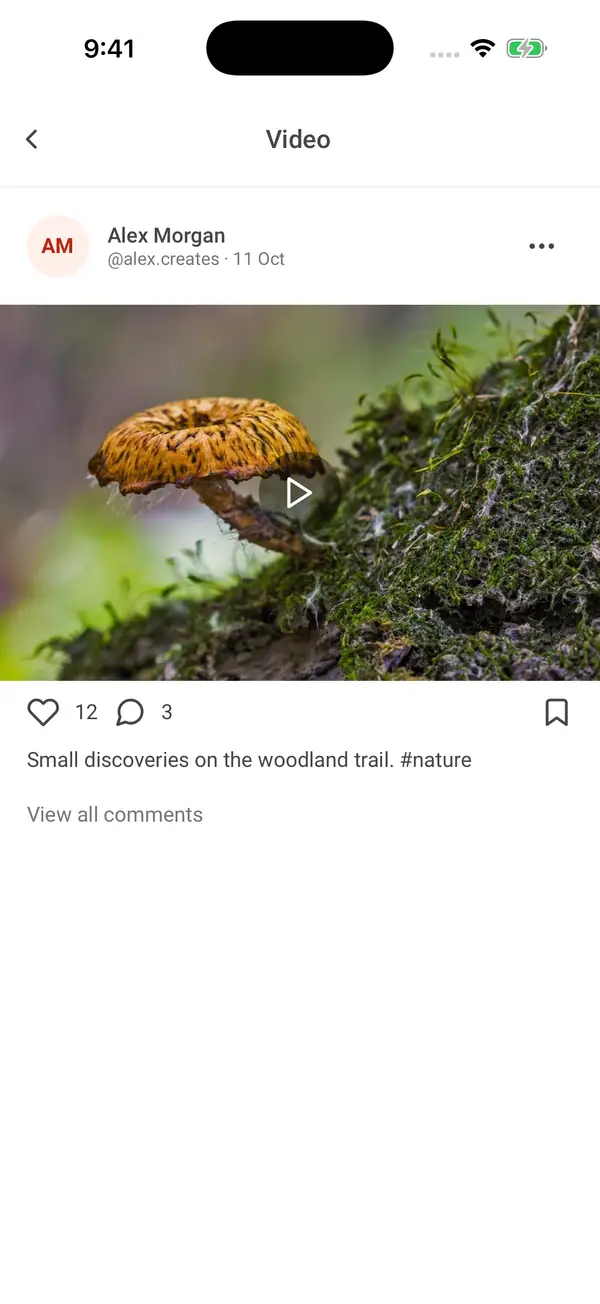 Enlarge image: Video detail
Video detail
Open a post with its caption and social actions.
Make a post
Add a caption and pick who can see and share it.
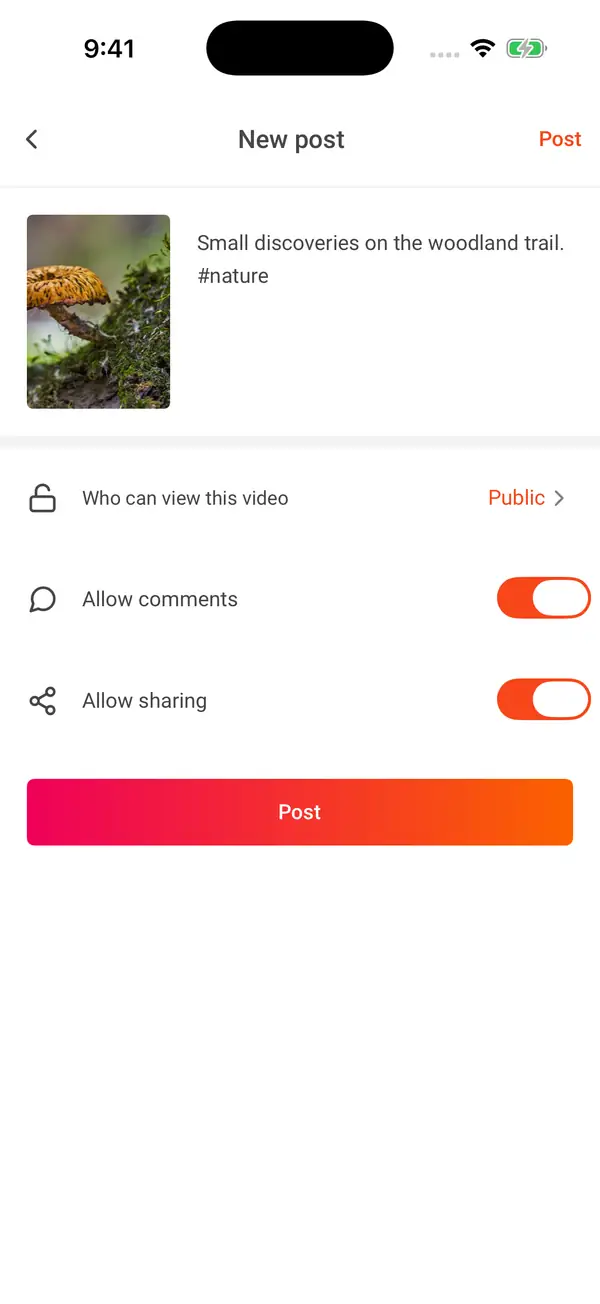 Enlarge image: New post
New post
Add a caption and set comments and sharing preferences before posting.
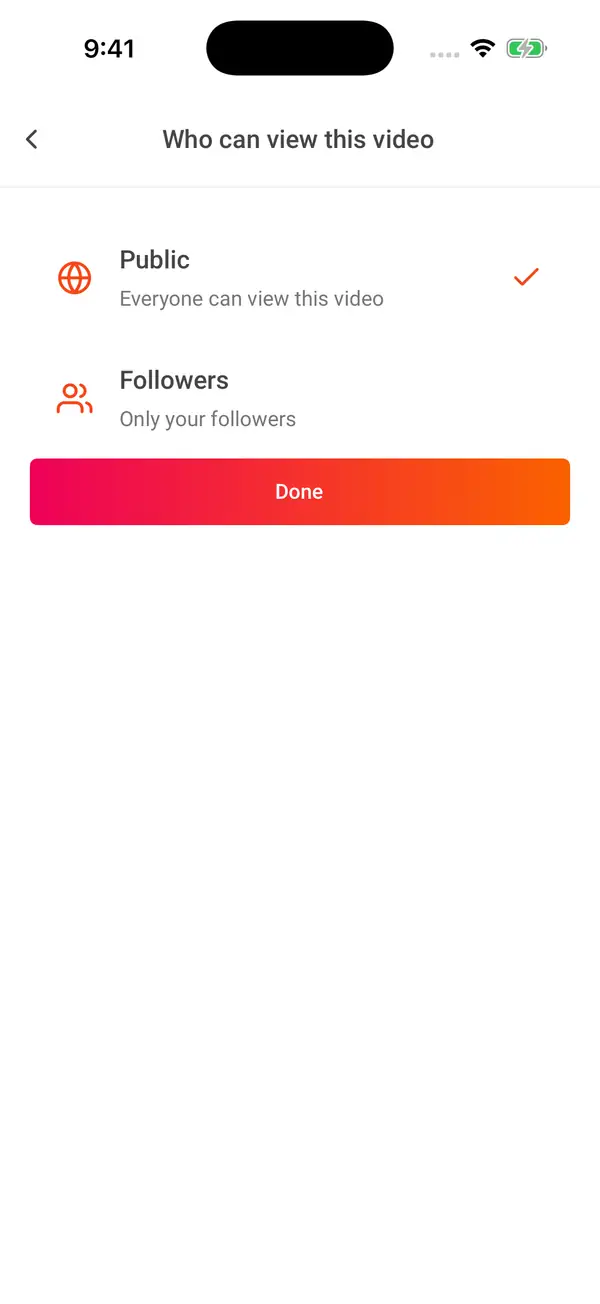 Enlarge image: Post visibility
Post visibility
Public and follower visibility keep the audience choice close to the post.
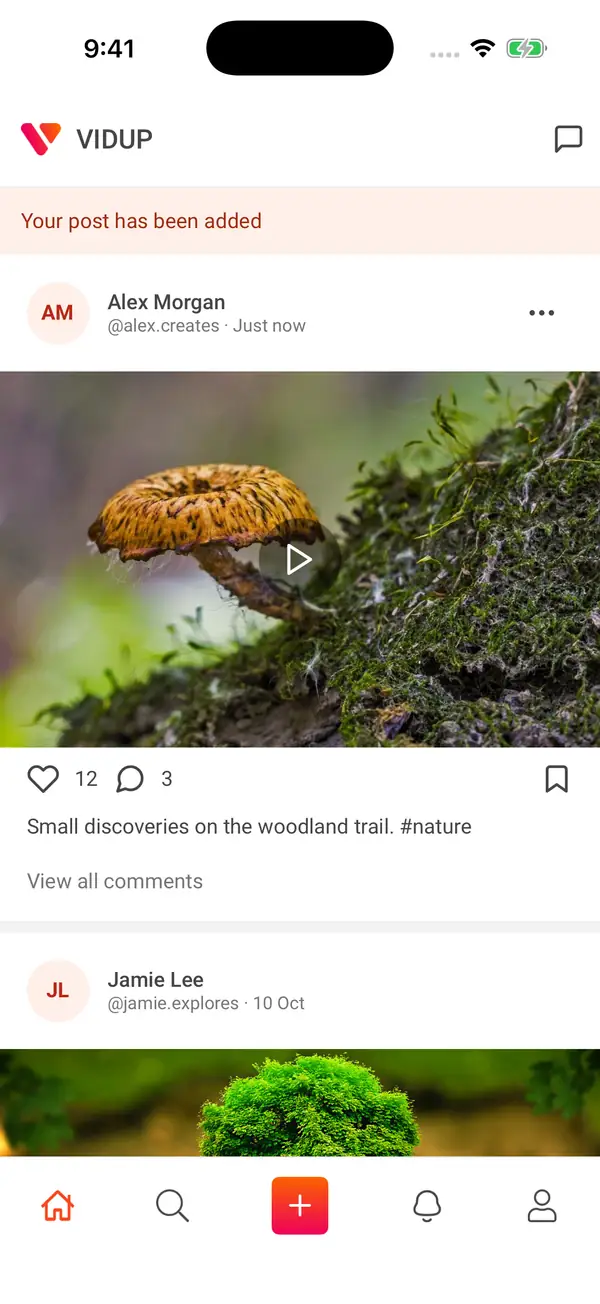 Enlarge image: Post added
Post added
Your new post joins the feed.
Comments and activity
See what people say about a video.
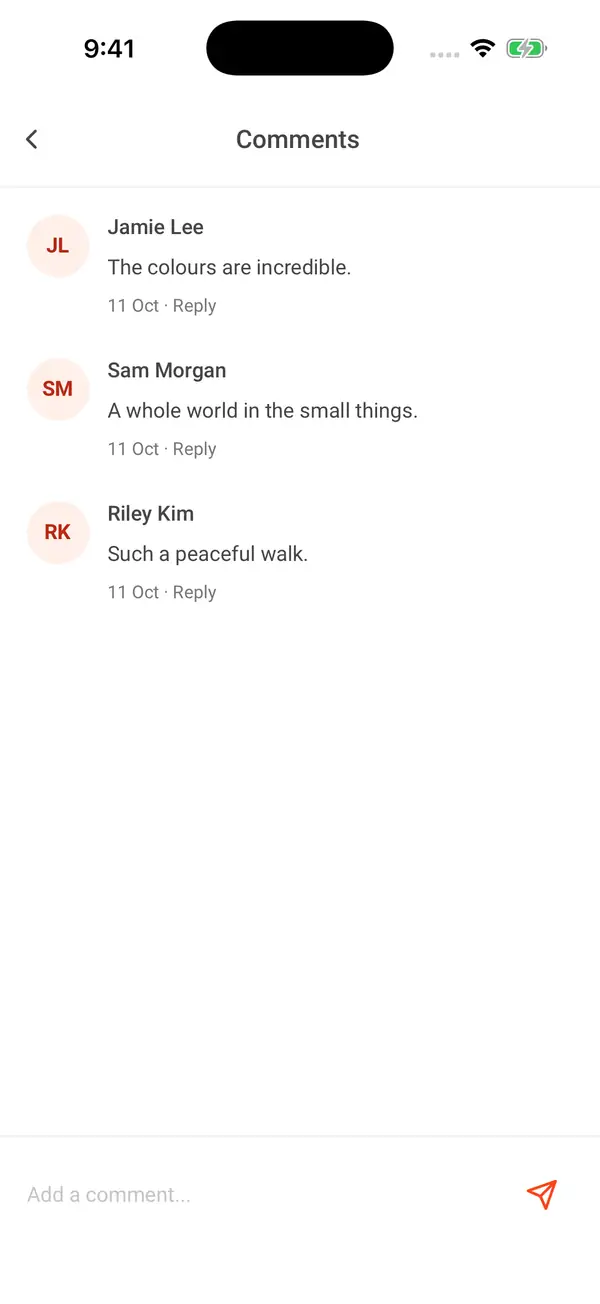 Enlarge image: Comments
Comments
Read a conversation and add a comment.
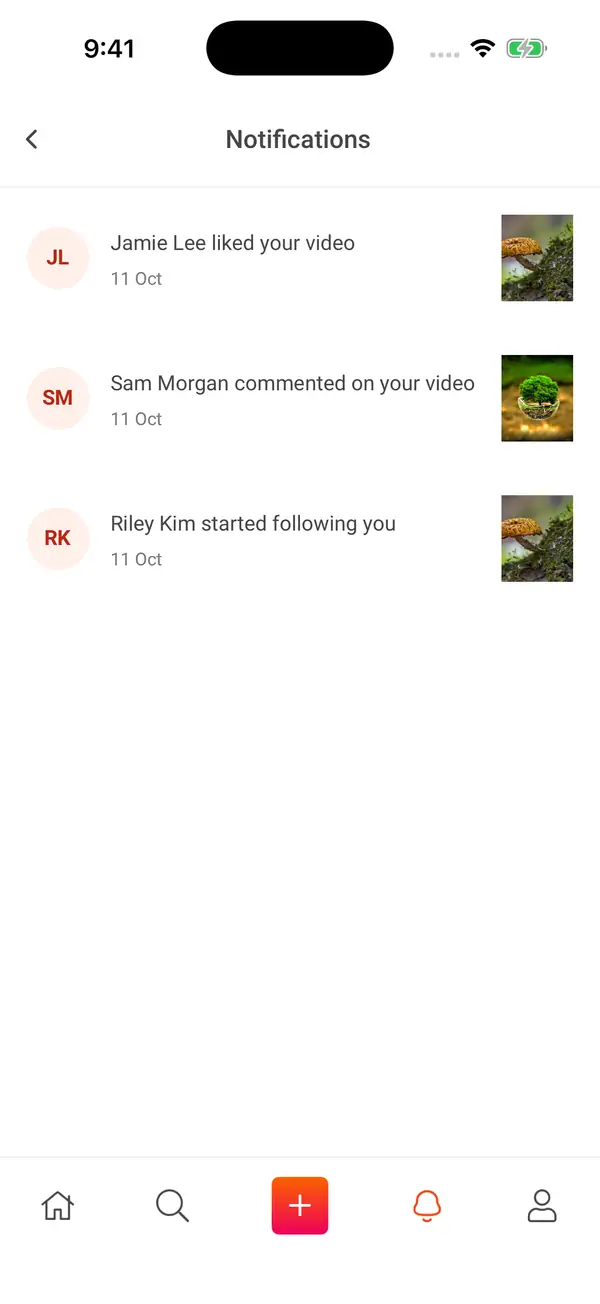 Enlarge image: Notifications
Notifications
Likes, comments and follows appear together.
Your profile
Your profile keeps your own videos in one place.
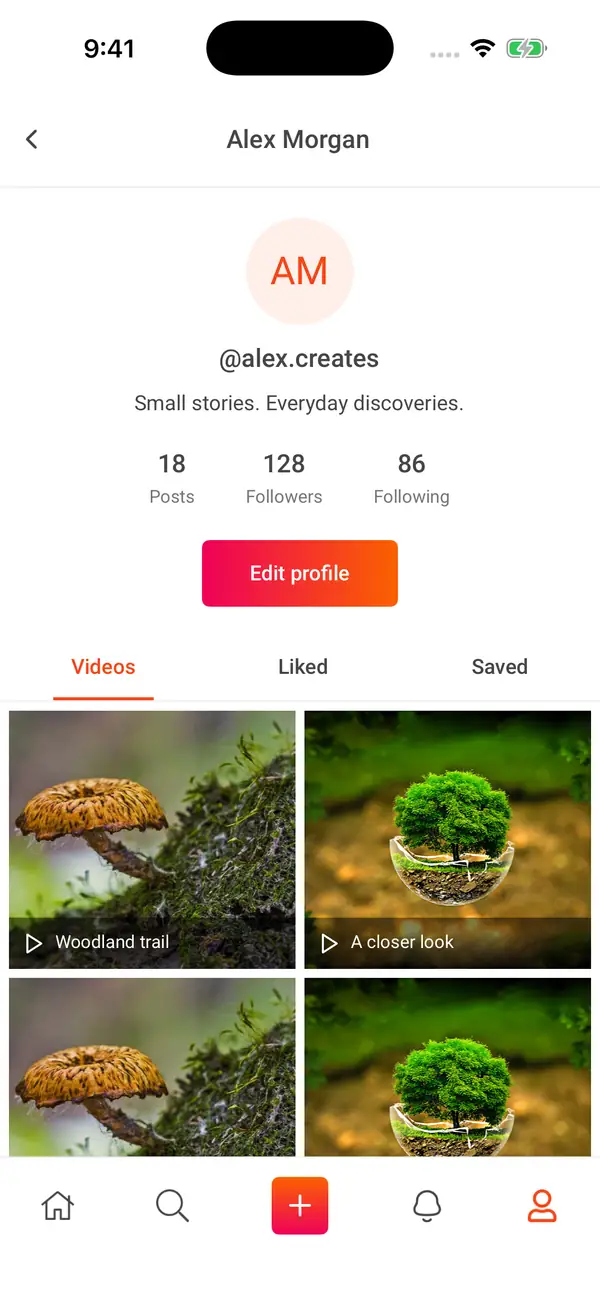 Enlarge image: Creator profile
Creator profile
Profile information and video collections share one view.
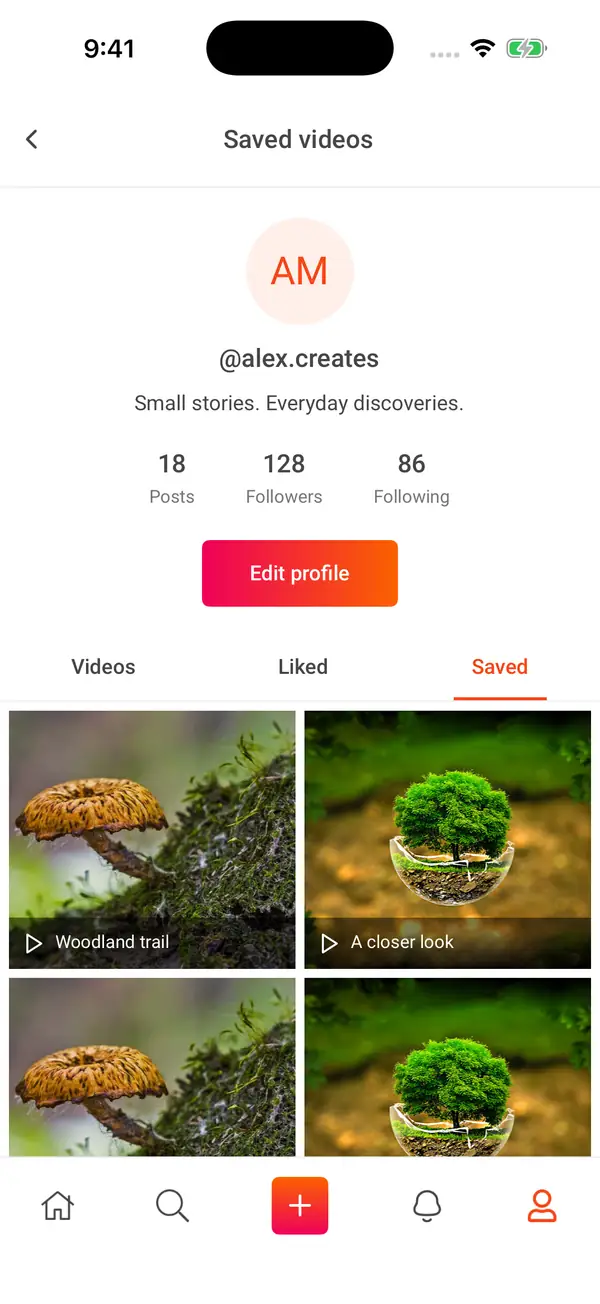 Enlarge image: Saved videos
Saved videos
Return to saved video collections from the profile.
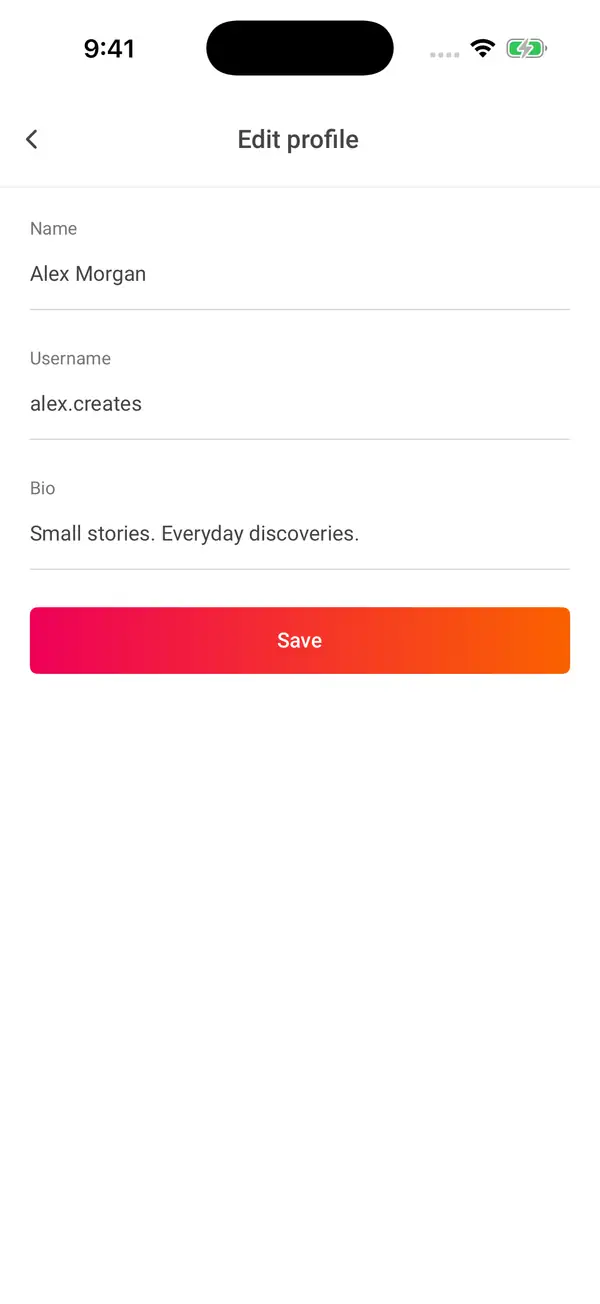 Enlarge image: Edit profile
Edit profile
Edit the name, username and short biography.
Messages
Open your messages and reply to friends.
 Enlarge image: Messages
Messages
Browse the message list and open a conversation.
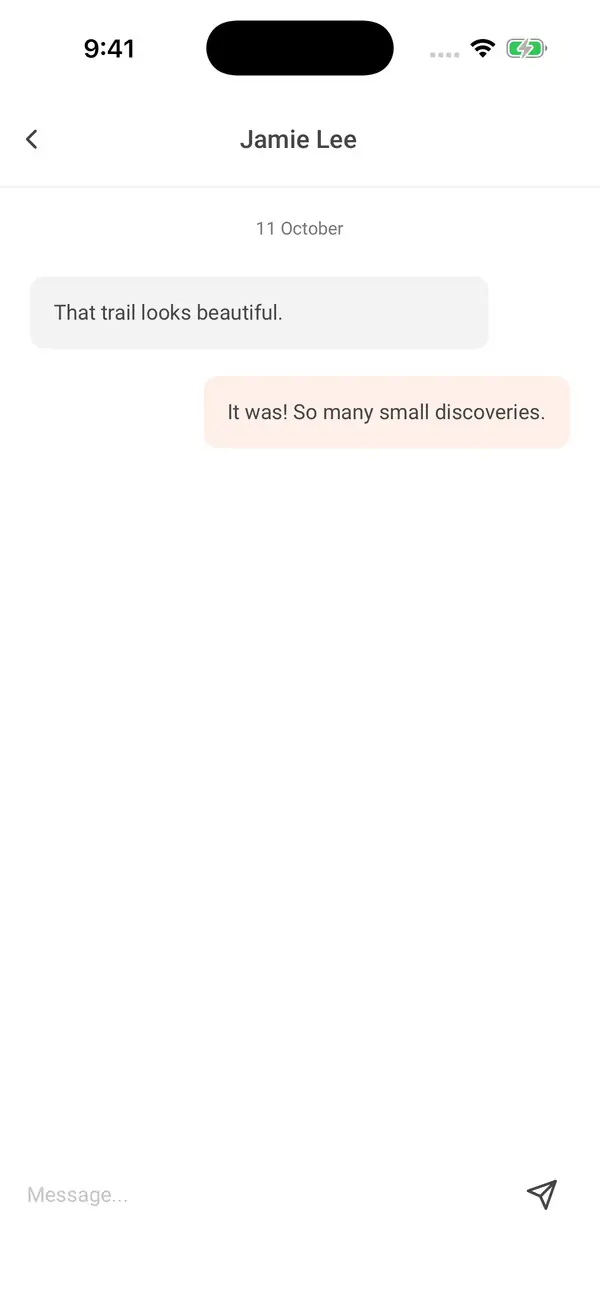 Enlarge image: Conversation
Conversation
Read a one-to-one conversation.
A short-video app with posts, profiles and chat.
Vidup is an older video-sharing app. It has a feed, search for people and hashtags, screens for making videos, profiles, comments and messages.
This is an older project. We can’t confirm it is still live or available to download.
The hard part
Posting a video means editing it, writing a caption, and choosing who can see it and comment. The app had to keep these choices clear while people switch between watching and posting.
From watching to chatting
Discover
Scroll the feed and search for people, videos and hashtags.
Make a post
Add a caption and choose who can see, comment on and share it.
Connect
Jump between comments, profiles and chats.
My part of the project.
- React Native work as part of the Vidup team
- Video feed, posting and social screens in the code
React Native engineering · Talha Manzoor and team. The product belongs to its owners. This page describes the whole product, not only my part.
What’s in the code
Video editing
Camera, trim, canvas and post screens, with FFmpeg tools for processing video.
App structure
Redux and React Navigation link the feed, profiles, search and social screens.
Who can see a post
Each post can be public or for followers only, with separate settings for comments and sharing.
A full video app
The code lists me, Talha Manzoor, as the author, and it has the video and social features shown here. It is a single snapshot, so it doesn’t show who built each feature. We haven’t confirmed a current public release.
Tools we used.
Based on the code I worked with or my own work on the project. The live product may use different tools today.
See the product.
This older project has no download links right now.